


• $70.88
  • Free 30-day Returns
  • Shipped by Xuerhurai Shop

    Price alert
    Shop it at NeweggBusiness.

    Meet Your Seller

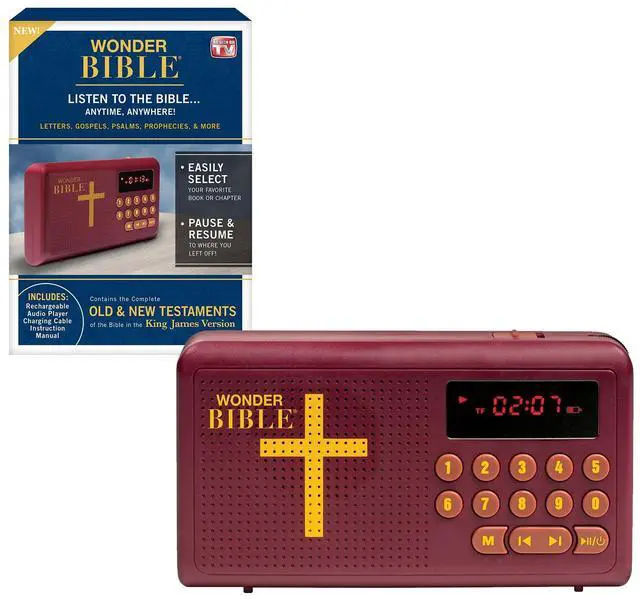
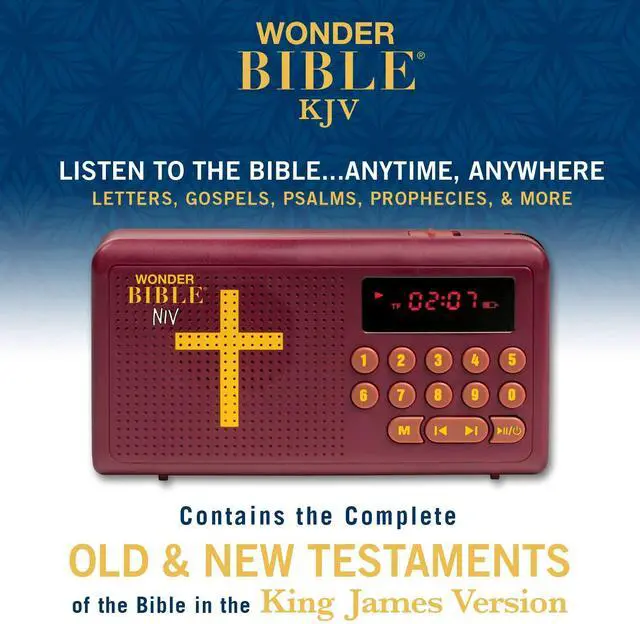
    KJV- The Audio Bible Player that Speaks, King James Version, New & Old Testament as Seen On TV

    • WONDER BIBLE AUDIO PLAYER with the audio Bible you can listen to it anytime, anywhere! Letters, gospels, psalms, prophecies, & more!
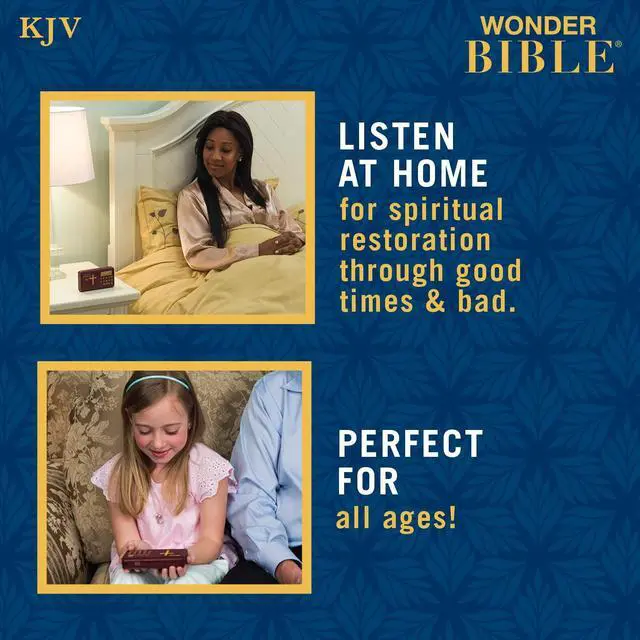
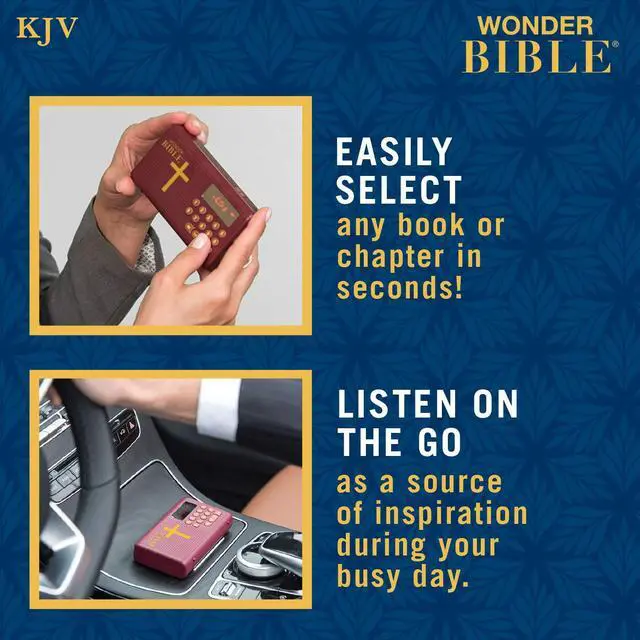
    • THE COMPLETE Old & New Testaments of the Bible in the KING JAMES VERSION as well as 10 Meditation Music Tracks. Listen as a source of inspiration during your busy day or for spiritual restoration through good times & bad
    • EASY TO USE Skip to your favorite chapter or book, pause & resume to where you left off. Listen and Enjoy while a pleasant voice reads the book to you and the words on the page come alive.
    • PERFECT FOR EVERYONE Adults, children, seniors, and visually impaired. For those who are or would like to become spiritually connected.
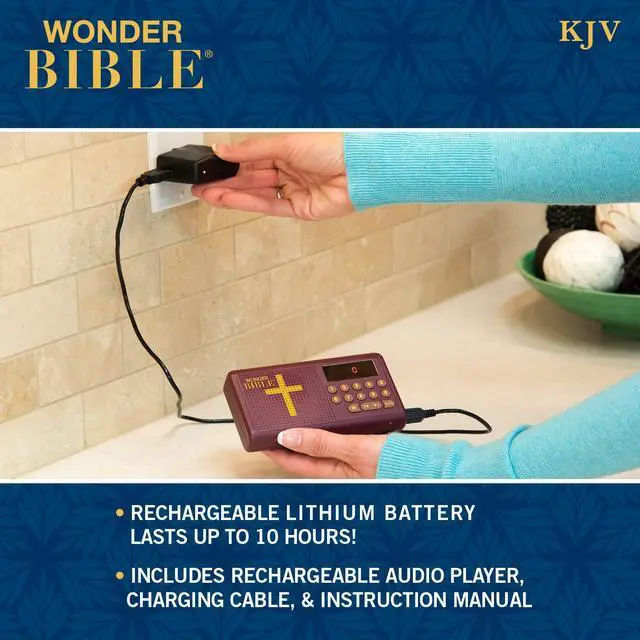
    • INCLUDES Wonder Bible KJV rechargeable audio player- long lasting battery will last up to 10 hours, USB charging cable and built-in earphone jack.
    +
    +
    Overview
    Specs
    Reviews
    avatar

    Any questions? Our AI beta will help you find out quickly.

    Wonder Bible
    Location of Controls
    Power on /off

    Power On/Off Your Wonder Bible

    1. Press and hold the Power On/Off button to turn your deceive On. The display will turn on and the play will immediately begin playing where it left off.
    2. Press and hold the Power On/Off button to turn your device Off.

    https://m.media-amazon.com/images/S/aplus-media/vc/91e00272-7a29-4e94-89ac-136704cfd12c._CR0,0,300,300_PT0_SX300__.jpg

    Power On/Off

    https://m.media-amazon.com/images/S/aplus-media/vc/e6ea73b4-3f54-425c-b711-e92b507b25e5._CR0,0,300,300_PT0_SX300__.jpg

    Selecting a Passage

    https://m.media-amazon.com/images/S/aplus-media/vc/80cd8b15-ef92-49b2-a206-47bf5c1f6c7b._CR0,0,300,300_PT0_SX300__.jpg

    Navigating Chapters

    https://m.media-amazon.com/images/S/aplus-media/vc/b96b545f-c05e-459b-8568-646549489356._CR0,0,300,300_PT0_SX300__.jpg

    Adjusting The Volume

    Switch Testaments

    Switching From Old Testament to New Testament

    Press the mode button to change from Old Testament to New Testament and back again

    https://m.media-amazon.com/images/S/aplus-media/vc/3c06cb4e-c89d-4d67-bfcd-0fb786d169fc._CR0,0,300,300_PT0_SX300__.jpg

    Switching From Old Testament to New Testament

    https://m.media-amazon.com/images/S/aplus-media/vc/17b203d0-170e-4803-adff-794233eabd88._CR0,0,300,300_PT0_SX300__.jpg

    Charging your Wonder Bible

    https://m.media-amazon.com/images/S/aplus-media/vc/c82fb7d0-b63d-4201-a42d-51de9e467d98._CR0,0,300,300_PT0_SX300__.jpg

    Replacing the Wonder Bible Battery

    https://m.media-amazon.com/images/S/aplus-media/vc/bf320d8b-fb47-4540-8787-14736d3ed68e._CR0,0,300,300_PT0_SX300__.jpg

    Troubleshooting

    https://m.media-amazon.com/images/S/aplus-media/vc/82fcecef-3153-4a6a-a104-13a83844f3cb._CR0,0,150,300_PT0_SX150__.jpg
    Wonder Bible- KJV
    https://m.media-amazon.com/images/S/aplus-media-library-service-media/f45c32fc-b475-4ff8-bc0b-9fa18a2093c2.__CR0,0,150,300_PT0_SX150_V1___.jpg
    Wonder Bible- NIV
    Customer Reviews
    Price
    Version King James Version New International Version
    Old Testament ? ?
    New Testament ? ?
    Wonder Bible
    Location of Controls
    Power on /off

    Power On/Off Your Wonder Bible

    1. Press and hold the Power On/Off button to turn your deceive On. The display will turn on and the play will immediately begin playing where it left off.
    2. Press and hold the Power On/Off button to turn your device Off.

    Selecting a Chapter

    Selecting A Passage on Your Wonder Bible Audio Player

    1. Use the chapter code guide to select which chapter of the Bible you wish to listen to.
    2. Input the six-digit code without the dashes onto the numerical keypad. For example, type '102001' to listen to chapter code 1-02-001.
    3. Press the play/pause button. Note: you do not need to change modes in order to input a chapter code.

    Navigating Chapters

    Navigating Chapters

    • To skip to the next chapter, press the next button.
    • To go back to the previous chapter, press the previous button.
    • To fast-forward within a chapter, press and hold the next button.
    • To rewind within a chapter, press and hold the previous button.

    Adjusting the volume

    Adjusting The Volume

    • Turn the volume wheel downward to increase the volume.
    • Turn the volume wheel upward to decrease the volume.

    Switch Testaments

    Switching From Old Testament to New Testament

    Press the mode button to change from Old Testament to New Testament and back again

    Charging Port

    Charging your Wonder Bible

    Connect the charging cable to the Micro USB charging port and connect the plug to a USB Power Supply. Such as a USB Wall Adapter, a computer/laptop USB port, or a USB car adapter. The player takes several hours to recharge fully. We recommend to charge the Wonder Bible Audio Player before using it for the first time. The Battery level is shown on the upper-right corner of your display when the player is on. Use this battery indicator to determine when to charge your player. When the Wonder Bible Audio Player is charging, the battery indicator will flash, and a zero will move across the screen. Once the Wonder Bible Audio Player is fully charged, the Full Battery indicator will stay on, and the screen will fill with four zeros.

    Replacing the battery

    Replacing the Wonder Bible Battery

    The Wonder Bible Audio Player uses a 18650 lithium-ion rechargeable battery. In the event that the battery dies, you may replace it by opening the battery compartment, removing the old battery and following the polarization markings (plus and minus signs) marked on the inside of the player. Do not replace the battery with an alkaline battery or any other battery that is not an 18650 lithium-ion rechargeable battery. Recycle or otherwise properly discard the old battery.

    Trouble Shooting

    Troubleshooting

    If your Wonder Bible audio player screen is displaying the word 'Idle', that means the Memory Card is not connected properly. Make sure the Memory Card is fully inserted into the Wonder Bible Audio Player. You may need a pen cap or paper clip to help push the Memory Card in all the way. Make sure the Memory Card is inserted the correct way.

    https://m.media-amazon.com/images/S/aplus-media/vc/82fcecef-3153-4a6a-a104-13a83844f3cb._CR0,0,150,300_PT0_SX150__.jpg
    Wonder Bible- KJV
    https://m.media-amazon.com/images/S/aplus-media-library-service-media/f45c32fc-b475-4ff8-bc0b-9fa18a2093c2.__CR0,0,150,300_PT0_SX150_V1___.jpg
    Wonder Bible- NIV
    Customer Reviews
    Price
    Version King James Version New International Version
    Old Testament ? ?
    New Testament ? ?
    KJV- The Audio Bible Player that Speaks, King James Version, New & Old Testament as Seen On TV

    Warranty & Returns

    Warranty, Returns, And Additional Information

    Warranty

    • Please contact the Seller directly for warranty information. Warranty information may also be found on the Manufacturer's website.
    • CONTACT

    Return Policies

    Manufacturer Contact Info

    LOADING...