




Deco MW Wireless Bluetooth Tablet
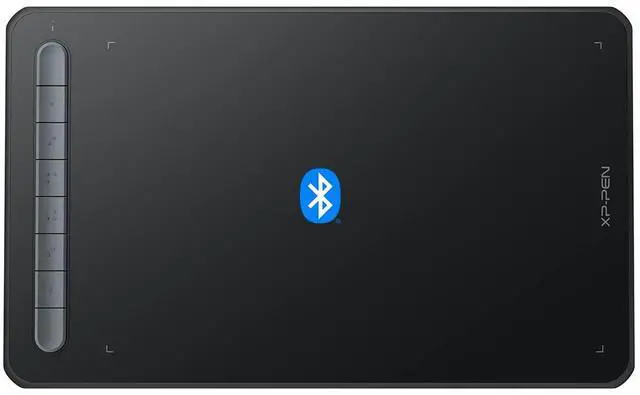
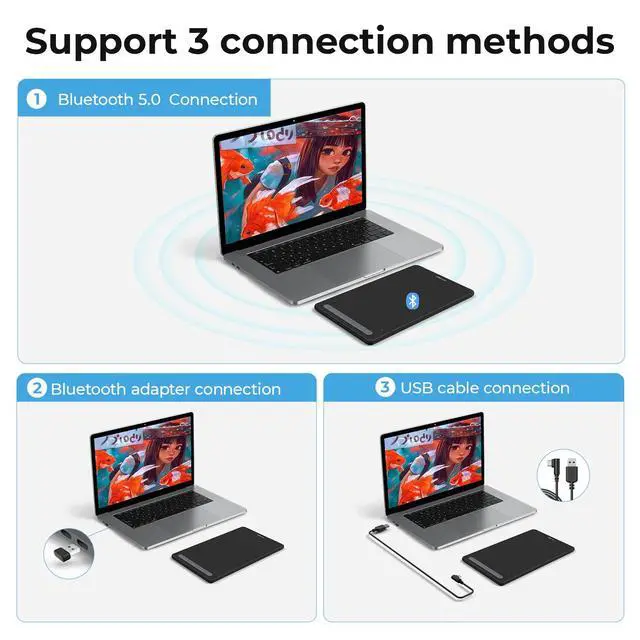
Freedom from Cables
4 vibrant colors
Trendy Colors, Pick Yours
We have painstakingly selected four vibrant colors for the tablet frame. They are warm and eye-catching with an abundance of playful energy. Your boundless artistic expression deserves colorful companions such as these.


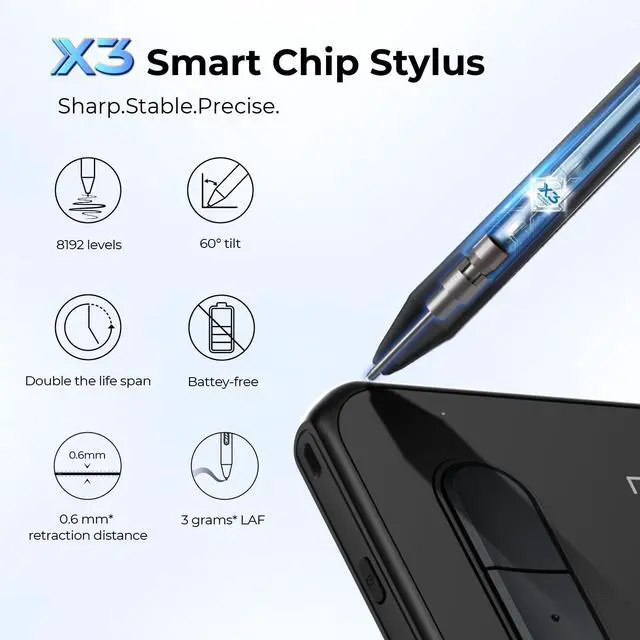
X3 smart chip stylus, sparks more creativity under your brush
Set off on your CG journey with X3 digital technology
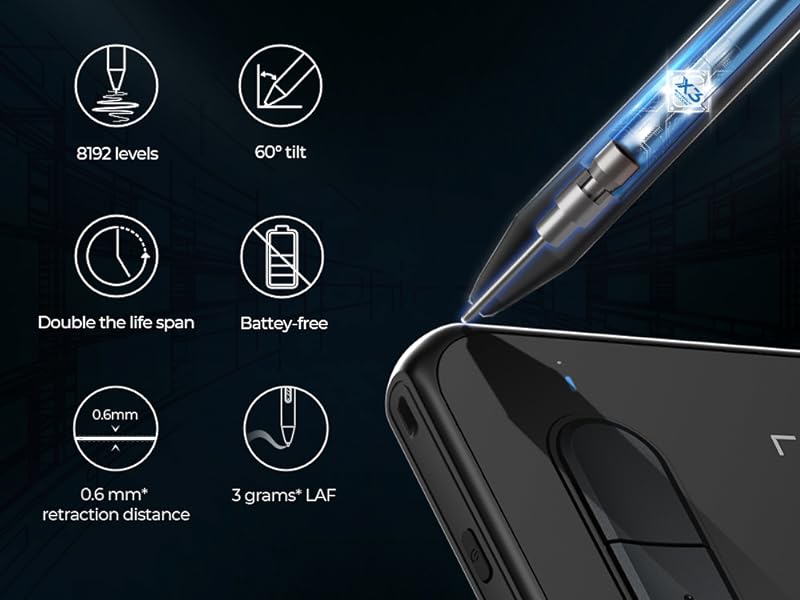
The new Artist series brings an immense leap to the stylus drawing experience with the new X3 chip giving you the realistic feeling of traditional pen and paper. Explore a brand new CG world with the X3 chip technology.
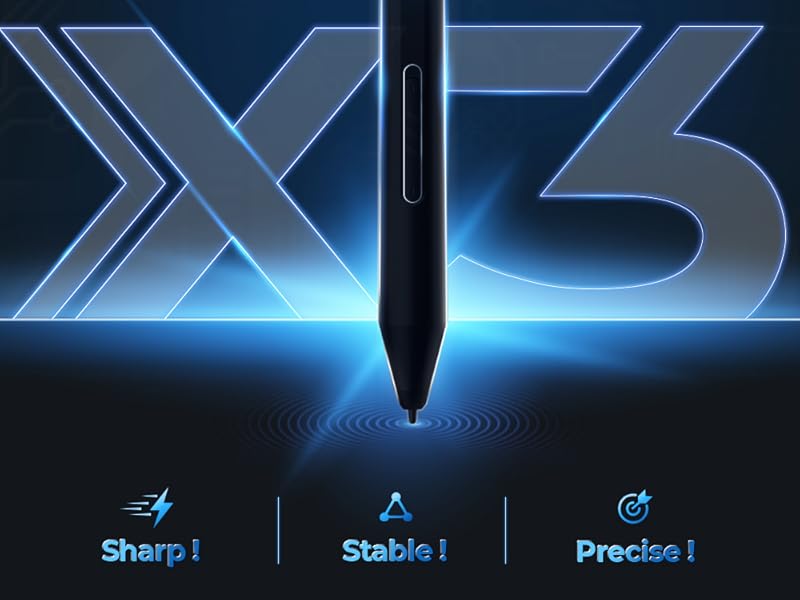
X3 Smart Chip Stylus
Professional digital drawing performance standard. The introduction of the X3 Smart Chip begins the third chapter for the XPPen stylus: that of smart chip technology.

Package Accessories
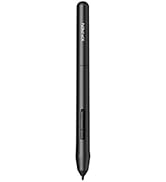
- 1 x X3 Elite Stylus
- 1 x USB to USB-C/Micro USB Adapter
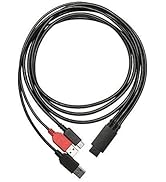
- 1 x Bluetooth Receiver & 1 x USB Cable
- 1 x Nib Extractor
- 10 x Nibs

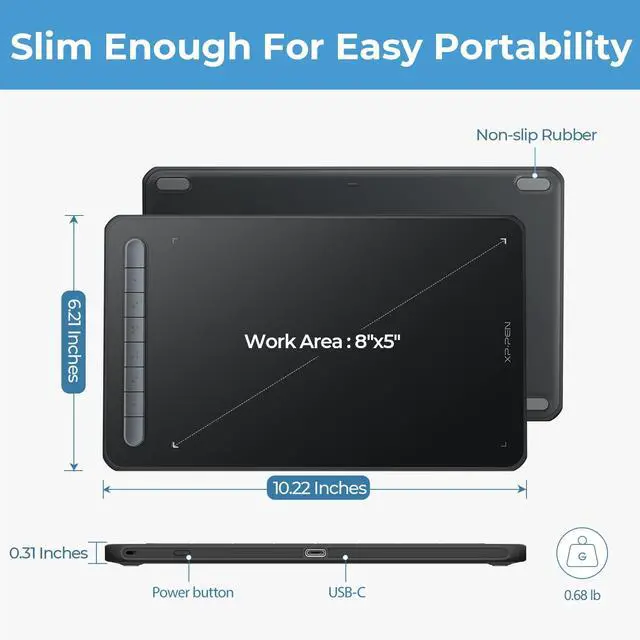
Work Area:8” x 5”
Deco MW graphics tablet comes with an 8 x 5 inch working area and supports a rotation of 0, 90, 180, and 270 degrees.

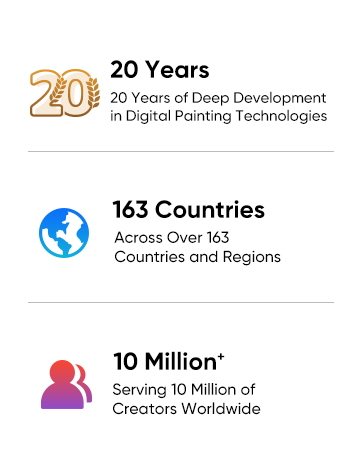
Support iOS version ibisPaint
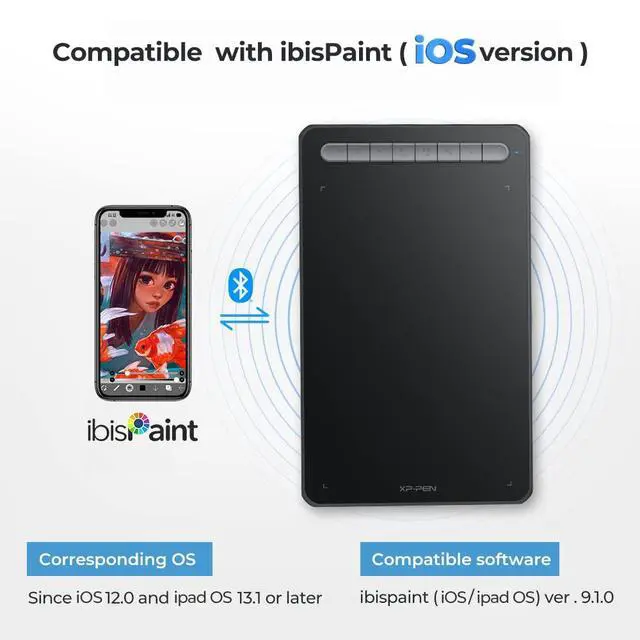
Deco MW only support ibisPaint iOS version 9.1.0 or later (in iOS 12.0 and iPad OS 13.1 or later).

Excellent Compatibility
Support most major digital art software such as Photoshop, Illustrator, SAI, CDR, GIMP, Krita, MediBang, FireAlpaca and Blender3D, etc.
Specifications
Do you need a computer?
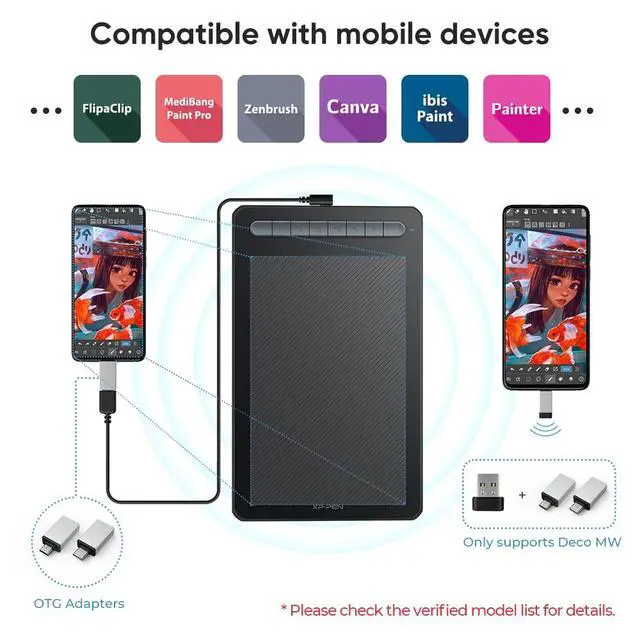
XPPen Deco M is NOT a standalone product. It must be connected to a PC/Laptop/Android Phone to work.
What type of interface you need for connection?
Your device needs to have a USB-A port for the connection. We also provide you one free USB to USB-C adapter and one USB to micro USB adapter for different connection need.
How to download and install the driver?
First, make sure to uninstall or delete any previous tablet drivers and then restart your computer. Or there'll be a system conflicts.After restarting please go to the XPPen official website, then download and install the latest version of driver.
Can the X3 pen replace the mouse to improve my productivity in certain situations?
You can set the X3 pen to mouse mode through the driver, and then the X3 pen can replace the mouse. If you are a teacher, student, or work in video editing, photo design, etc., our product will help you to take your work to the next level!
Does XPPen have a professional after-sales team ?
We have a professional technical team will solve any problems you encounter within 24 hours, if you have any questions, please feel free to get to us through Message.

Draw with innovative Chip
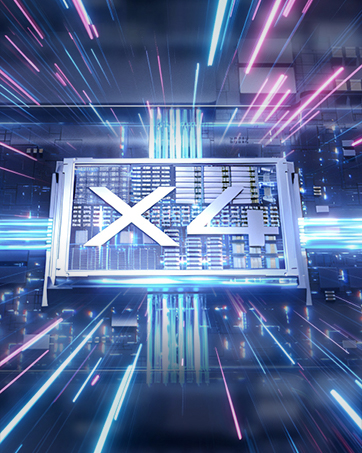
Our first smart chip X3, create artistic digitizers that give you a feeling as real and natural as working with a traditional tool.
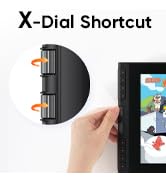
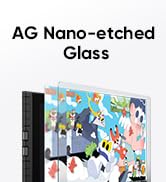
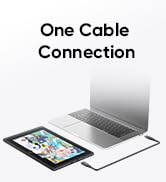
Artist 12 3rd
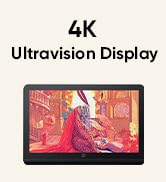
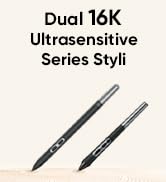
4K UHD Artist Pro 19 Gen2
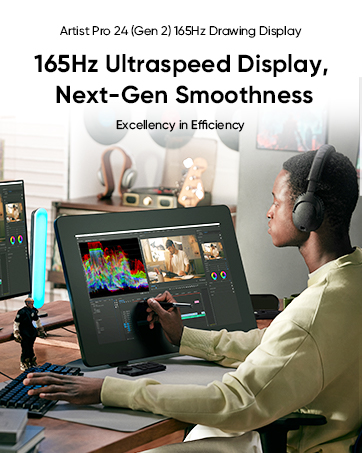
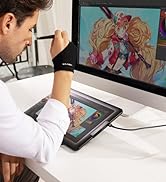

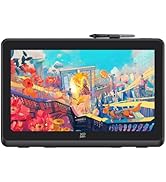
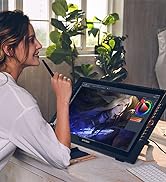
Artist Pro Series
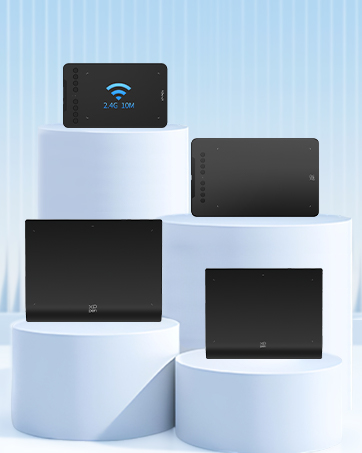


1 Year Protection Plan & Lifetime XPPen Service
1 Year Protection Plan is offered for all XPPen products, please get in touch with us to see the terms and conditions for Support, Return and Refunds.
You can get in touch with us via Message if you have any question about the product.
XPPen Accessories

Freedom from Cables
4 vibrant colors
Trendy Colors, Pick Yours
We have painstakingly selected four vibrant colors for the tablet frame. They are warm and eye-catching with an abundance of playful energy. Your boundless artistic expression deserves colorful companions such as these.
= 10 Hours Working Time
Equipped with an 1000mAh/3.7V lithium battery, Deco MW keeps the power going throughout your day.
Capture Your Imagination Anywhere Anywhen
Use Deco MW for painting, design, photo editing, animation, video production, handwriting,education.


X3 smart chip stylus, sparks more creativity under your brush


Set off on your CG journey with X3 digital technology
The new Artist series brings an immense leap to the stylus drawing experience with the new X3 chip giving you the realistic feeling of traditional pen and paper. Explore a brand new CG world with the X3 chip technology.
X3 Smart Chip Stylus
Professional digital drawing performance standard. The introduction of the X3 Smart Chip begins the third chapter for the XPPen stylus: that of smart chip technology.
Sharp! Stable! Precise!
Game-changing X3 Smart Chip
The X3 Smart Chip begins the third chapter of the XPPen stylus:the Smart Chip era. It delivers an authentic drawing experience by drastically upgrading the structure and performance of the stylus. Tiny as the X3 is, it is unimaginably jam-packed with high techs to burst out infinite creativity.An epic drawing journey sets off the minute your finger touches the stylus.
Sharp
Flows even faster than your inspiration.
10 x higher in IAF sensitivity
The new X3 Smart Chip accurately recognizes the pen's electromagnetic signals by turning them into digital signals for precise transmission. This boosts the IAF sensitivity by 10 times*?with only 3 grams* of pressure, you' re ready to go.
Stable
Free of springing up and down.
Double* the stylus lifespan. The internal configuration is greatly optimized by removing the consumable spring response part, thanks to the superior X3 Smart Chip design. The stylus lifespan is 2 times* longer compared with the previous generation.
Precise
Never miss a single stroke.
The cutting-edge digital signal transmission mechanism enables you to draw with virtually no lag or broken lines. Never miss a single brushstroke.
Package Accessories
- 1 x X3 Elite Stylus
- 1 x USB to USB-C/Micro USB Adapter
- 1 x Bluetooth Receiver & 1 x USB Cable
- 1 x Nib Extractor
- 10 x Nibs
Work Area:8” x 5”
Deco MW graphics tablet comes with an 8 x 5 inch working area and supports a rotation of 0, 90, 180, and 270 degrees.
Support iOS version ibisPaint
Deco MW only support ibisPaint iOS version 9.1.0 or later (in iOS 12.0 and iPad OS 13.1 or later).
Excellent Compatibility
Support most major digital art software such as Photoshop, Illustrator, SAI, CDR, GIMP, Krita, MediBang, FireAlpaca and Blender3D, etc.
Specifications
| Product Name | Deco MW Drawing Tablet |
|---|---|
| Dimensions | 259.8 x 157.8 x 8.8 mm |
| Work Area | 8 " x 5 " |
| Color Options | Black, Blue, Green, Pink |
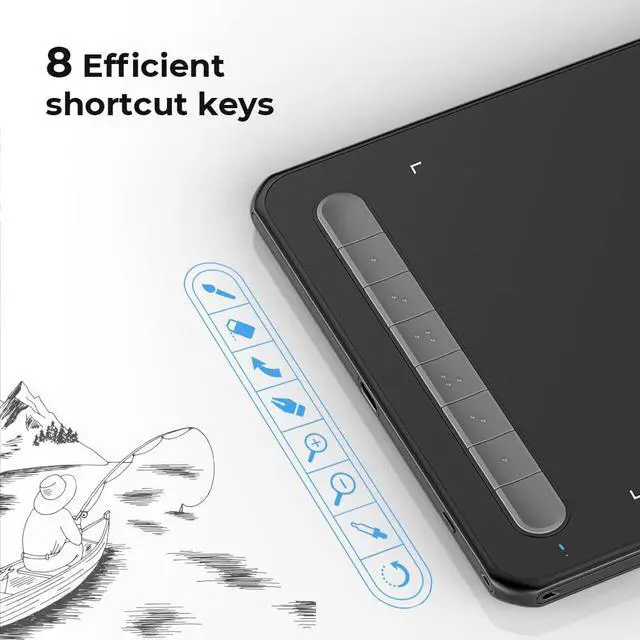
| Shortcut Keys | 8 |
| Wireless Technology | Bluetooth v5.0 |
| Continuous Operation Time | = 10 hours |
| Battery Capacity | 1000 mAh/3.7V |
| Resolution | 5080 LPI |
| Report Rate | 200 RPS (max) |
| Stylus | X3 Elite |
| Pressure Levels | 8192 |
| Tilt | 60° |
| Reading Height | 10 mm |
| Compatibility | Windows 7 (or later), Mac OS X 10.10 (or later), Android 6.0 (or later), Chrome OS 88 (or later), Linux |
Do you need a computer?
XPPen Deco M is NOT a standalone product. It must be connected to a PC/Laptop/Android Phone to work.
What type of interface you need for connection?
Your device needs to have a USB-A port for the connection. We also provide you one free USB to USB-C adapter and one USB to micro USB adapter for different connection need.
How to download and install the driver?
First, make sure to uninstall or delete any previous tablet drivers and then restart your computer. Or there'll be a system conflicts.After restarting please go to the XPPen official website, then download and install the latest version of driver.
Can the X3 pen replace the mouse to improve my productivity in certain situations?
You can set the X3 pen to mouse mode through the driver, and then the X3 pen can replace the mouse. If you are a teacher, student, or work in video editing, photo design, etc., our product will help you to take your work to the next level!
Does XPPen have a professional after-sales team ?
We have a professional technical team will solve any problems you encounter within 24 hours, if you have any questions, please feel free to get to us through Message.
Draw with innovative Chip
Our first smart chip X3, create artistic digitizers that give you a feeling as real and natural as working with a traditional tool.
Artist 12 3rd
4K UHD Artist Pro 19 Gen2
Artist Pro Series
1 Year Protection Plan & Lifetime XPPen Service
1 Year Protection Plan is offered for all XPPen products, please get in touch with us to see the terms and conditions for Support, Return and Refunds.
You can get in touch with us via Message if you have any question about the product.
XPPen Accessories