

Your Browsing History

Quick View
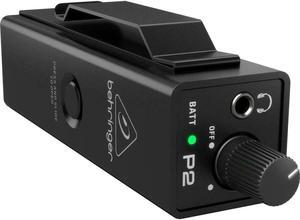
Behringer Powerplay P2 Ultra-Compact Personal In-Ear Monitor Amplifier
- Model #: BE01V9AS8H7
- $89.99 –
- Free Shipping
Quick View
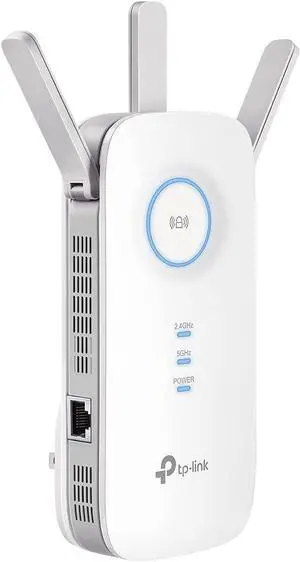
FOR-TP-Link AC1900 WiFi Extender (RE550), Covers Up to 2800 Sq.ft and 35 Devices, 1900Mbps Dual Band Wireless Repeater, Internet Booster, Gigabit Ethernet Port
- Model #: 100692764093
- $53.99 –
- Free Shipping
Quick View
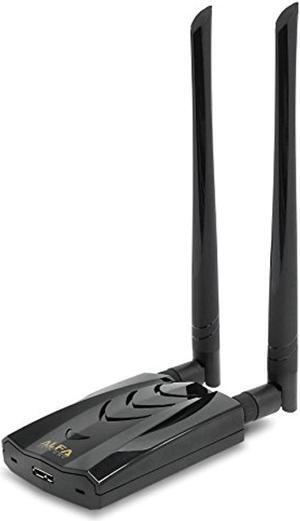
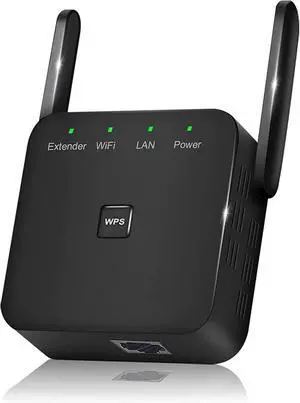
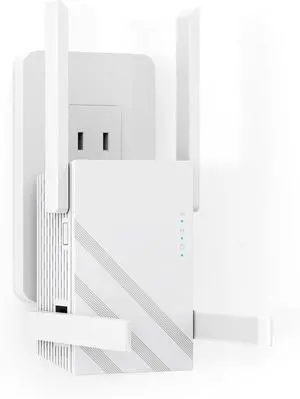
WiFi Extender Signal Booster Covers Up to 9860 Sq.ft and 60 Devices | 2.4GHz WiFi Repeater with Ethernet Port - Quick Setup and Long Range Wireless Internet Booster for Home
- Model #: STARWELL257710951263Lan
- $38.90 –
- Free Shipping
Quick View
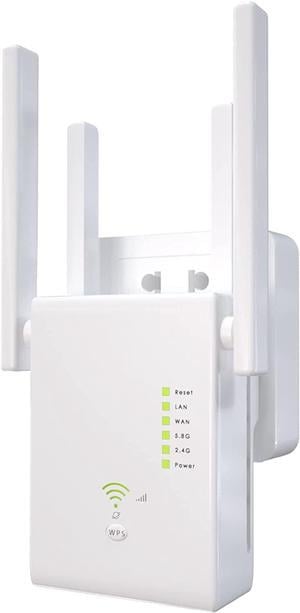
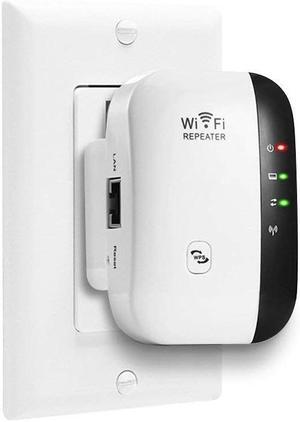
WiFi Extender 1200Mbps WiFi Signal Booster for Home 6000 Sq.ft and 35 Devices, Dual Band 2.4G/5G Outdoor Signal Amplifier with Ethernet Port
- Model #: 85Y170G-9ju
- $38.99 –
- Free Shipping
Quick View
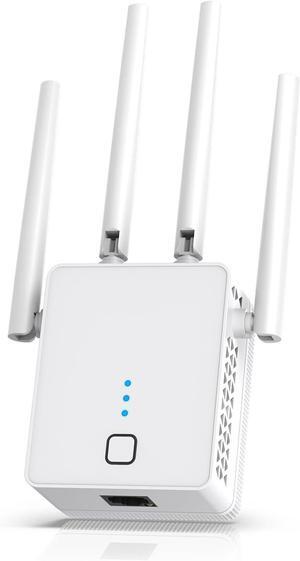
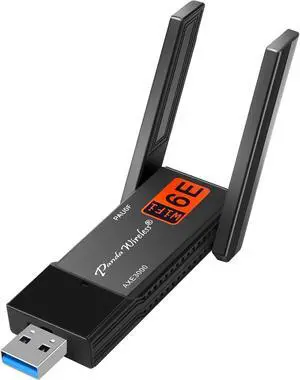
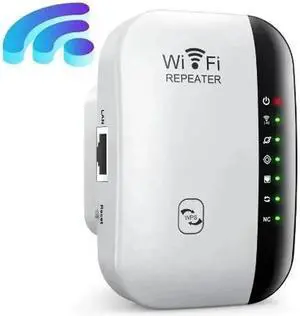
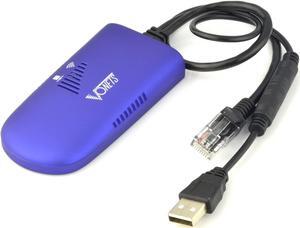
VONETS VAP11G-300 2.4G Mini WiFi Bridge/Repeater/Signal Booster with 1 RJ45,Powered by DC/USB for DVR, IP Camera,PS3
Limited time offer, ends 06/20
- Model #: C0A179373194923517
- $49.65 –
- More options from $49.65 - $50.66
- Free Shipping
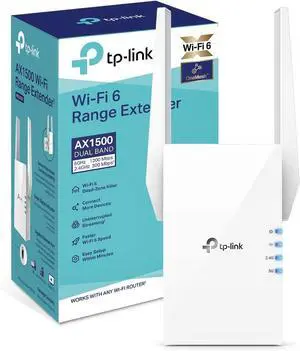
Quick View

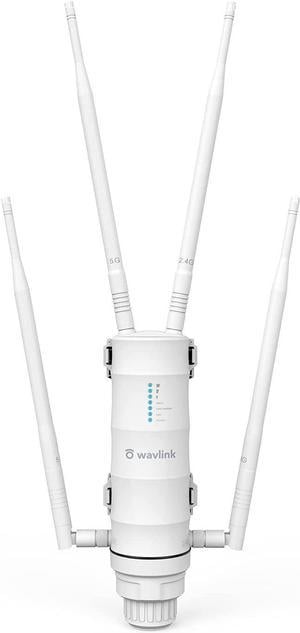
- Type: Everyday Value
- Brand: TP Link
- Monitor: Monitor not included
- Weight: 1.0000
- Model #: TP.RP.B79226
- $55.99 –
- More options from $40.99 - $55.99
- Free Shipping
Quick View
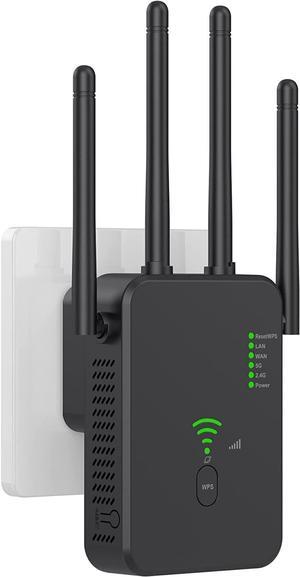
WiFi Extender, WiFi Repeater, Covering an Area of up to 2640 Square Meters ft and 35+ Devices, 4 Antennas 360° Full Coverage, Home Internet Booster with Ethernet Port
- Model #: 65Y170G-ki45r
- $35.99 –
- Free Shipping
Quick View
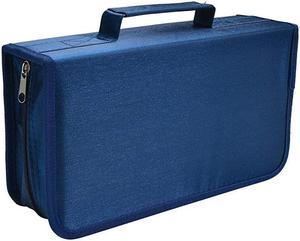
128 Capacity CDDVD Case Wallet Binder Storage Holder Booklet for Car Home Office and Travel Blue
- Model #: QG8GA-B07MBRMWQ9
- $33.57 –
- Free Shipping
Quick View
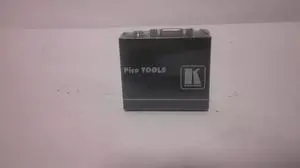
Kramer Electronics Pico Tools PT-120 XGA Line ReceiverOutput
- Model #: PT-120 XGA
- $19.95 –
- Free Shipping
Quick View
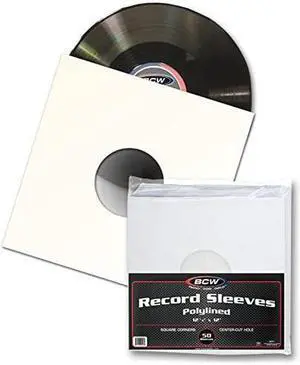
BCW 12quot Paper amp Plastic Polylined Record Inner Sleeves for LP Vinyl Record Albums
- Model #: X2was-B019R8HBMK
- $75.15 –
- Free Shipping
Quick View
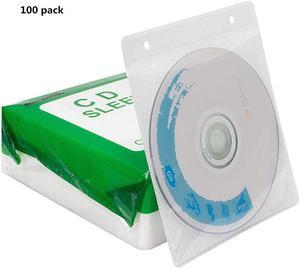
CDDVDBluRay SleevesDoubleSided Refill Plastic Sleeve for CD and DVD Storage Binders100 Pack White1
- Model #: JxuN2-B07Q5WCWGW
- $27.55 –
- Free Shipping
Quick View
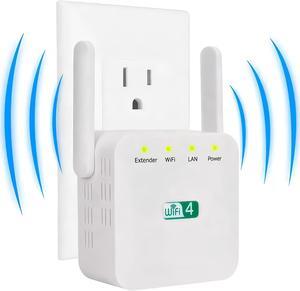
Extendtecc WiFi Booster 2024, Extend tecc WiFi Extender 2024, Long Range Wi-Fi Signal 10X Faster Wireless WiFi Repeater with Ethernet Port, Coverage up to 8,998 sq.ft
- Model #: 7591569565251
- $71.99 –
- $5.99 Shipping

Quick View
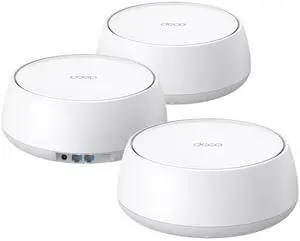
Solar Outdoor Repeater,Weatherproof Wi-Fi Range Extender-2.4GHz Outdoor Wireless Internet Signal Booster with Solar Power+ 20000mAh Battery-No WiFi Dead Zones for Home
- Model #: GODSB0FJM3GCP2
- $180.99 –
- Free Shipping
Quick View
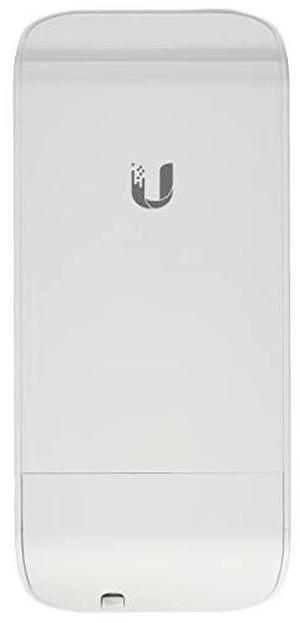
NanoStation loco M5 Wireless Access Point AirMax LOCOM5US
- Model #: h5oMo-B00HXT8FPS
- $94.20 –
- Free Shipping
Quick View
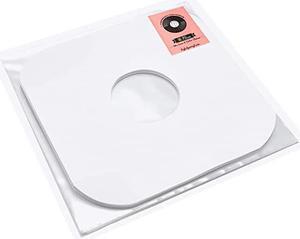
Vinyl Record Sleeves Bundle by 50x Record Outer Sleeves Plus 50x Record Inner Sleeves Crystal Clear Album Sleeves and Rounded Acid Free LP Sleeves for 12 Records
- Model #: ZwK5t-B07R3W4DYP
- $50.67 –
- Free Shipping
Quick View
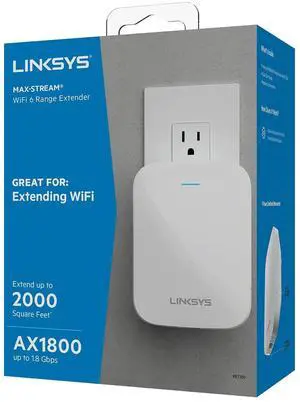
Linksys RE7350 Dual-Band Wi-Fi 6 Wireless Range Extender
- Model #: 652843924304
- $174.99 –
- $5.99 Shipping
Quick View
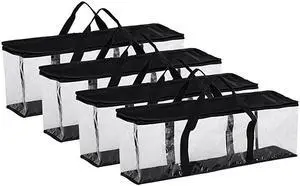
Set of 4 DVD Storage Bags Hold up to 160 DVDs 40 Each Bag
- Model #: Klcya-B071VTXZRR
- $43.18 –
- Free Shipping
Quick View
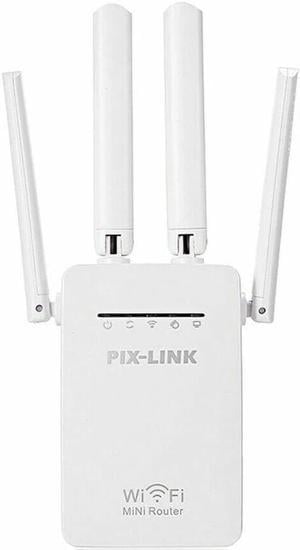
1200Mbps WiFi Range Extender Repeater Wireless Amplifier Router Signal Booster
- Standards: IEEE 802.11 AC
- Frequency Band: 2.4 GHz / 5.0 GHz
- Wireless Data Rates: 1200 Mbps
- Antenna: External Antenna
- Model #: BB36_WIFI_EXTENDER
- $21.99 –
- Free Shipping
Quick View
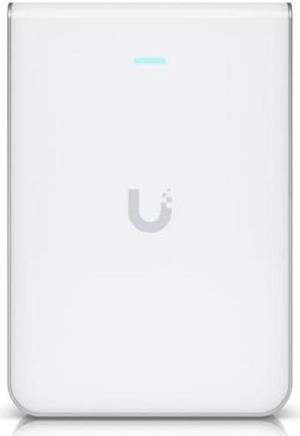
Ubiquiti Networks UniFi U7 Pro Wall (U7-Pro-Wall-US)
- Model #: 9130246494866
- $319.99 –
- $5.00 Shipping
Quick View
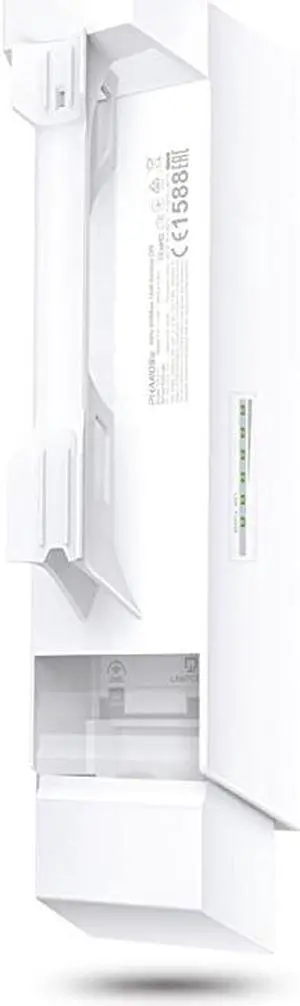
Long Range Outdoor Wifi Transmitter 5GHz 300Mbps High Gain Mimo Antenna 15km+ Point to Point Wireless Transmission Poe Powered W Poe Adapter Included Wisp Modes CPE510
- Model #: lNkto-B00N2RO63U
- $62.53 –
- Free Shipping
Quick View
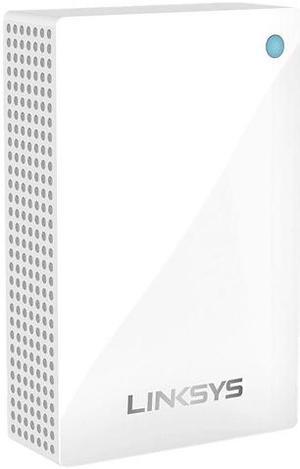
Linksys Velop WHW01P IEEE 802.11ac 1.27 Gbit/s Wireless Range Extender - ISM Band - UNII Band
- Series: Velop
- Standards: 802. 11ac 802. 11b 802. 11g 802. 11n 802. 11a 802. 3ab 802. 3u
- Frequency Band: 2.4 GHz / 5.0 GHz
- Wireless Data Rates: Up to 400 Mbps (2.4 GHz) and 867 Mbps (5 GHz)
- Model #: WHW0101P
- $99.99 –
- Free Shipping
Quick View
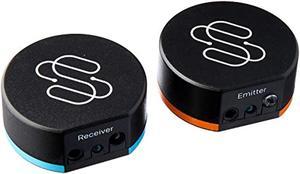
Sewell Direct BlastIR Wireless Pro IR Repeater, Remote Control Extender Kit (IR Emitter and Receiver) (SW-32988)
- Model #: SW-32988-0
- $99.99 –
- Free Shipping
Quick View
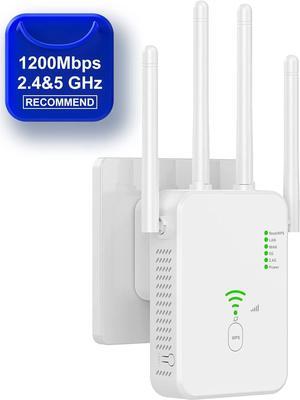
AC1200 WiFi Extender Booster, 1200Mbps WiFi Extender Booster Dual Band 5GHz & 2.4GHz Wireless Signal Booster with Ethernet/LAN Port, WiFi Repeater Support WPS Simple Setup, US Plug
Limited time offer, ends 06/20
- Standards: IEEE 802.11a/b/g/n
- Frequency Band: 2.4 GHz / 5.0 GHz
- Wireless Data Rates: Up to 1.2Gbps
- Security: WEP, WPA, WPA2
- Model #: Z1#Q2055_W_US
- $29.99 –
- Free Shipping
Quick View
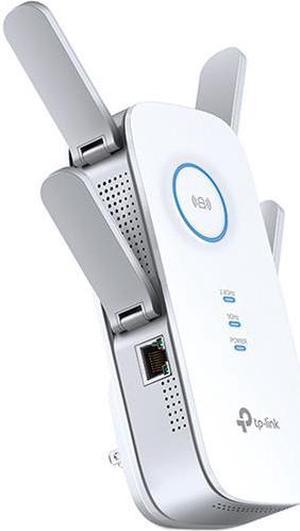
- Standards: IEEE802.11ac IEEE 802.11n IEEE 802.11g IEEE 802.11b IEEE 802.11a
- Frequency Band: 24GHz and 1733Mbps on 5GHz
- Features: WiFi Range Extender | Up to 2600Mbps | Dual Band WiFi Extender, Repeater, Access Point| 4x4 MU-MIMO | Easy Set-Up | Extends Internet Wifi to Smart Home & Alexa Devices
- Model #: R37-9CPRE650
- $109.89 –
- Free Shipping
Quick View
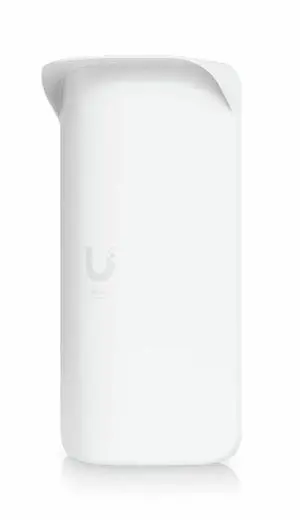
Ubiquiti Wave AP Gen2 Single Band Wi-Fi 6 IEEE 802.11ax 5.40 Gbit/s Wireless Range Extender - 5 GHz - 1x Network (RJ-45) - 10 Gigabit Ethernet - 24 W - Pole-mountable - IPX6 - WAVE-AP-GEN2-US
- Brand: Ubiquiti
- Series: Wave AP Gen2
- Part Number: WAVE-AP-GEN2-US
- Frequency Band: 5 GHz
- Model #: WAVE-AP-GEN2-US
- $599.00 –
- Free Shipping
Learn about Wireless Range Extenders & Media Bridges
Eliminate Dead Zones the Right Way
A Wi-Fi range extender/repeater relays your existing signal to reach farther rooms, while a media bridge links Ethernet-only devices (PCs, TVs, consoles) to Wi-Fi. If you prefer a single SSID and seamless roaming across the whole home, consider a mesh Wi-Fi system; extenders are a fast, budget-friendly fix for specific dead zones.
Extender vs. Repeater vs. Media Bridge
Range Extender (Repeater): Creates a new wireless hop to increase coverage. Tri-band models reserve a dedicated backhaul to keep speeds high.
Media Bridge (Wireless Bridge): Connects Ethernet devices to Wi-Fi via a wireless link; great for smart TVs, game consoles, and desktops far from the router.
AP Mode: Some extenders can become a wired access point when you run an Ethernet line to the device—best performance and stability.
Key Buying Factors
Bands & Backhaul: Dual-band works for light use; tri-band or Ethernet backhaul prevents bandwidth halving on the relay link.
Roaming & Security: For smoother hand-offs, look for 802.11k/v/r support; choose WPA3 where available.
Ports & Power: One or more Gigabit LAN ports help hard-wire TVs/PCs; PoE isn’t common on extenders—use a nearby outlet or a UPS for uptime.
Placement Tips
Place the extender midway between your router and the weak area—still within a strong signal (2–3 bars). Avoid thick walls/metal, and try a different outlet if speeds dip. For the best results, use Cat6/Cat6a cables for wired backhaul or to run AP mode.
Performance Tip: If you stream 4K or game online, prefer a tri-band extender or a media bridge with Gigabit Ethernet. When possible, pair with a modern Wi-Fi 6/7 router.
Choosing the Best Device for Your Network
Start with your coverage goal and client types. Use a range extender to fix one or two dead spots quickly, a media bridge to wire up non-Wi-Fi devices, or a whole-home mesh kit for consistent roaming across large homes. For offices or multi-floor houses, an Ethernet drop feeding AP mode often outperforms pure repeating.
Accessories & Tools
Essential Accessories
- Wireless Routers – Upgrade the core Wi-Fi and reduce the need for multiple extenders.
- Access Points – Run AP mode with wired backhaul for maximum stability.
- LAN Switches – Add extra Ethernet ports near TVs, consoles, and PCs.
- Cat6/Cat6a Ethernet Cables – Support gigabit and multi-gig backhaul.
- Powerline Adapters – Extend connectivity via electrical wiring when Ethernet pulls are hard.
Newegg Networking Tools & Promotions
Deals & Tools: Looking to save or plan a full setup? See current networking deals for discounts on extenders, bridges, routers, and accessories.
FAQs
Will an extender cut my speed in half?
Single-radio repeaters often share airtime and can reduce throughput. Tri-band extenders or Ethernet backhaul maintain higher speeds.
Mesh system or extender—which should I choose?
Use a mesh kit for whole-home coverage and seamless roaming; choose an extender for quick, targeted fixes to one or two rooms.
Where should I place a range extender?
Halfway between the router and the dead zone, still within good signal (2–3 bars). Avoid thick walls/metal; try another outlet if speeds drop.
Can a media bridge create Wi-Fi?
A media bridge provides Wi-Fi to Ethernet-only devices and doesn’t broadcast a new SSID. To create Wi-Fi, use AP mode or a dedicated access point.
Bestselling Wireless Range Extender/Media Bridge Reviews:
David L.
2/13/2025 10:50:56 AM
Perfect for my needs
“ This device provides wireless to ethernet perfectly in addition to its typical use as a range extender. ”
Netgear AX1600 4-Stream Dual-band WiFi 6 Mesh Extender, 1.6Gbps, Wall-plug, Internal Antenna, EAX12-100NAS